
Step into Metasite 1
An unofficial Minecraft server
Jump in, explore lots, and build on your plot
Requires Minecraft: Java Edition (sold separately)
Explore Lots
FAQ
What is Metasite 1?
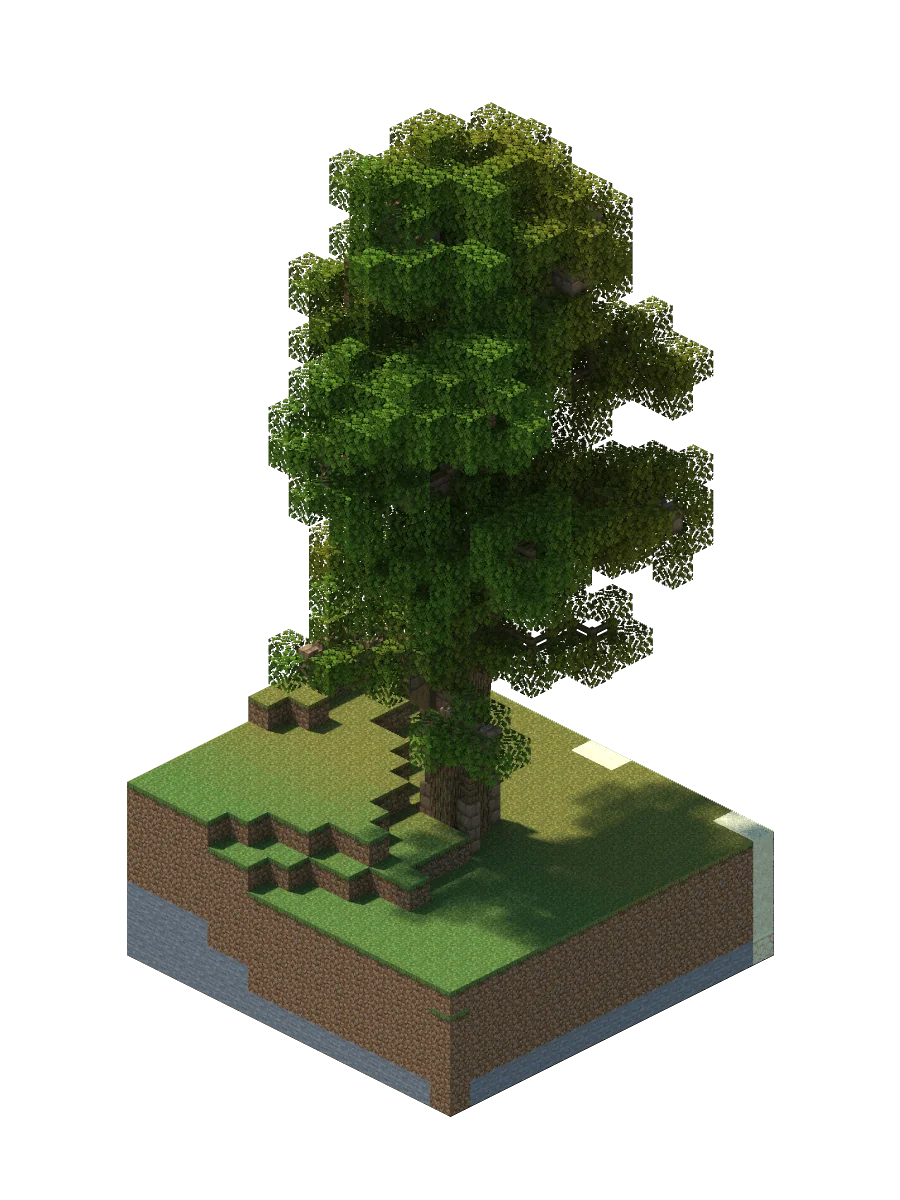
Metasite 1 is an unofficial Minecraft server powered by Xsolla. Explore unique locations created by builders and connect with the gaming community — all in one place.
How do I join Metasite 1?
Log in with your Xsolla ID, go to the Portals page, select a portal, and click Teleport. The Xsolla Launcher will start Minecraft and place you at your chosen location automatically. The whole process takes under a minute.
Do I need Minecraft: Java Edition?
Yes. Metasite 1 runs on a Minecraft: Java Edition server, so you need a genuine copy of Minecraft: Java Edition (sold separately) installed on your computer. The Xsolla Launcher will detect your Minecraft installation automatically — no manual setup required.
What is a portal?
A portal is a named location on Metasite 1 — each with its own unique build, coordinates, and atmosphere. When you select a portal and click Teleport, you arrive directly at that spot. More portals and community lots are coming soon.
What is Xsolla ID and why do I need it?
Xsolla ID is the single sign-on system used across Xsolla services. On Metasite 1, it verifies your identity before you join the server — keeping your account secure and linking your in-game presence to your Xsolla profile.
I clicked Teleport but the launcher didn't open. What should I do?
First, make sure the Xsolla Launcher is installed — download it from the Download page. After installing, retry the teleport from the Portals page. On macOS, check ~/Library/Logs/XsollaMCLauncher.log for error details. If the problem persists, try reinstalling the launcher.
I joined the server but I'm stuck and can't interact with the world. What happened?
If you join the server without an active teleport session, you land in a restricted waiting area (limbo) for security. You can move and look around, but block interaction is disabled. Click the portal link shown in chat, log in with Xsolla ID, select a portal, and teleport — you'll be placed at your destination automatically.